
UX research tools are software platforms used by UX researchers, designers, and product teams to collect and analyze user feedback through interviews, usability tests, surveys, and behavioral data, helping them understand user needs and make better product decisions.
Free to use: Google Forms, Google Meet, FigJam, Google Sheets, Notion, and free plans from selected UX research platforms
Worth paying for: Maze, UserTesting, User Interviews, Dovetail, Optimal Workshop
Trial Option: Maze, UserTesting, and Optimal Workshop all offer free trials or limited demo access
Often skippable: Enterprise survey tools for basic surveys, dedicated research repositories for a few studies, overlapping usability testing tools, extra AI tools for simple synthesis, and paid recruitment if you already have access to the right users.
The hard part is not finding UX research tools. It is knowing which ones are worth the cost, which ones your team can avoid, and where a free option is already enough.
Below, we break that down so you can build a useful research stack without paying for tools you do not actually need.
UX research tools support different parts of the research process, from finding participants and running usability tests to analyzing interviews and organizing findings. Some tools focus on one task, while others combine several research methods in a single platform.
As research becomes more frequent, these tools become more important for reducing manual work and keeping studies consistent. Maze reported that 75% of respondents planned to scale research, including 51% who planned to increase the number of studies and 31% who planned to use more AI tools
Different UX research tools solve different parts of that workflow:
If you are running a short-term UX research project, you may not need a paid research platform at all. These four free tools can cover surveys, interviews, research synthesis, and documentation without adding another subscription.
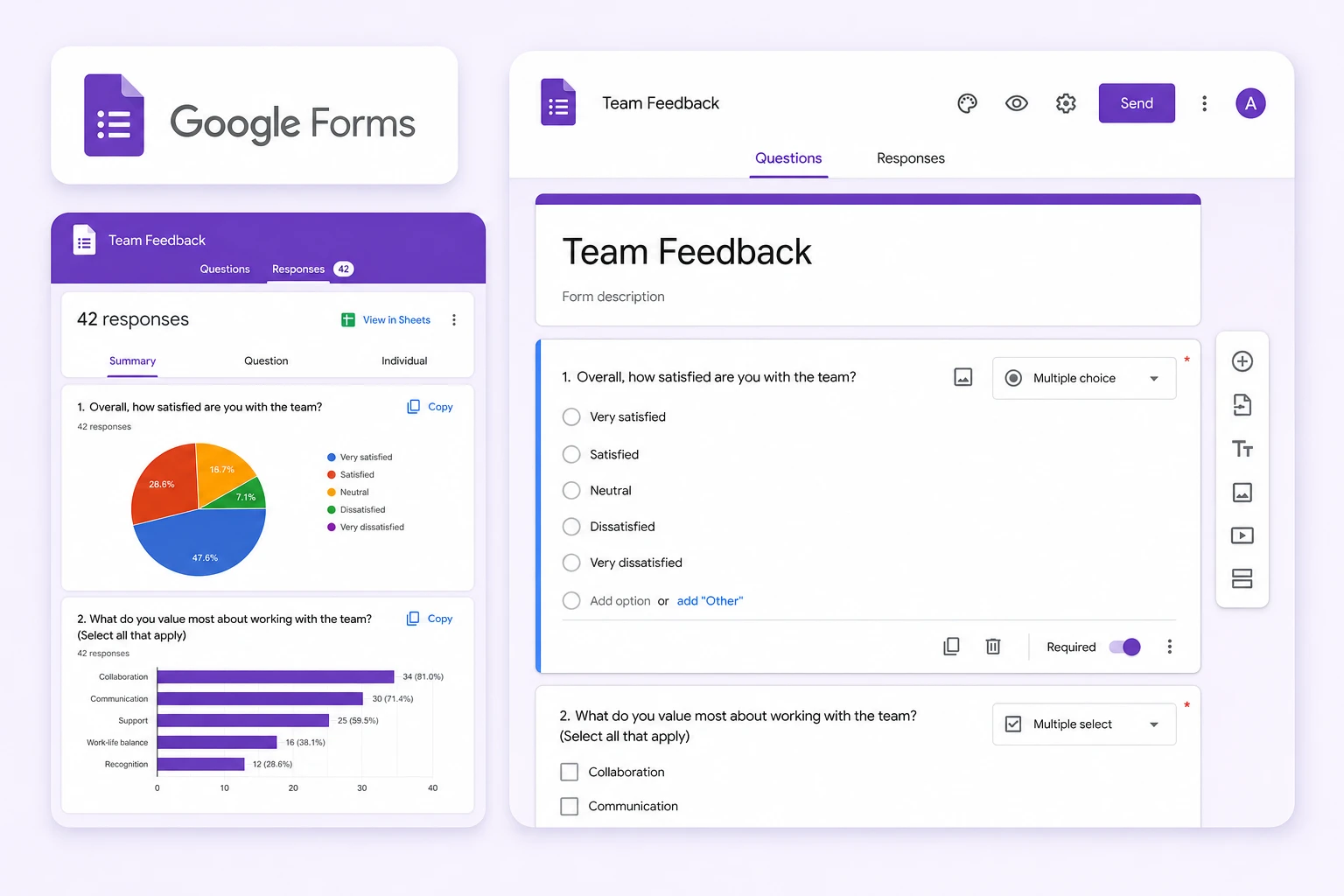
Google Forms helps you create surveys, screening questionnaires, and feedback forms quickly. Responses are collected automatically, making it practical for lightweight research without dedicated survey software.
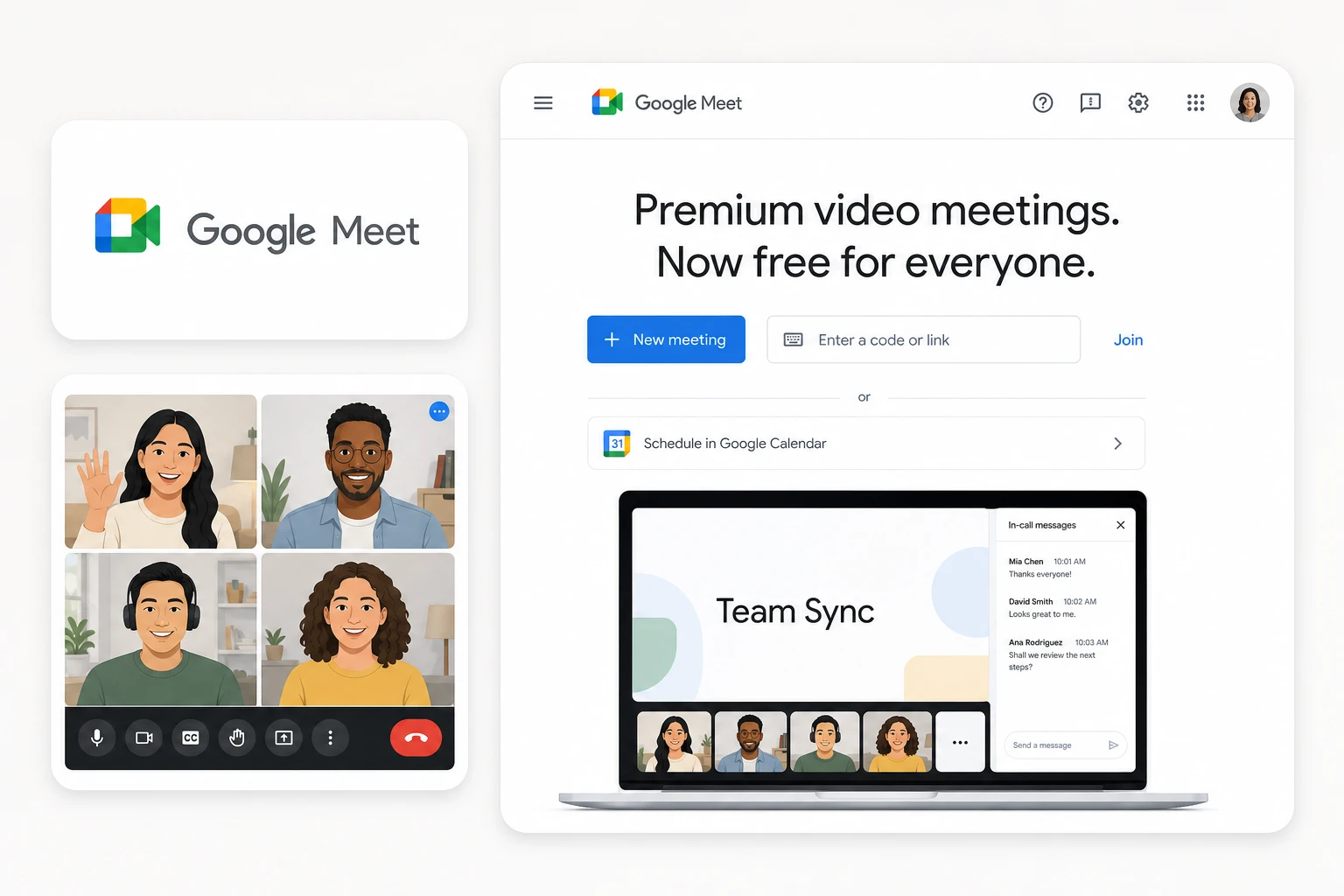
Google Meet works well for moderated user interviews and remote usability sessions when you only need video calls and screen sharing. Its basic meeting features are available without requiring a specialized UX interview platform.
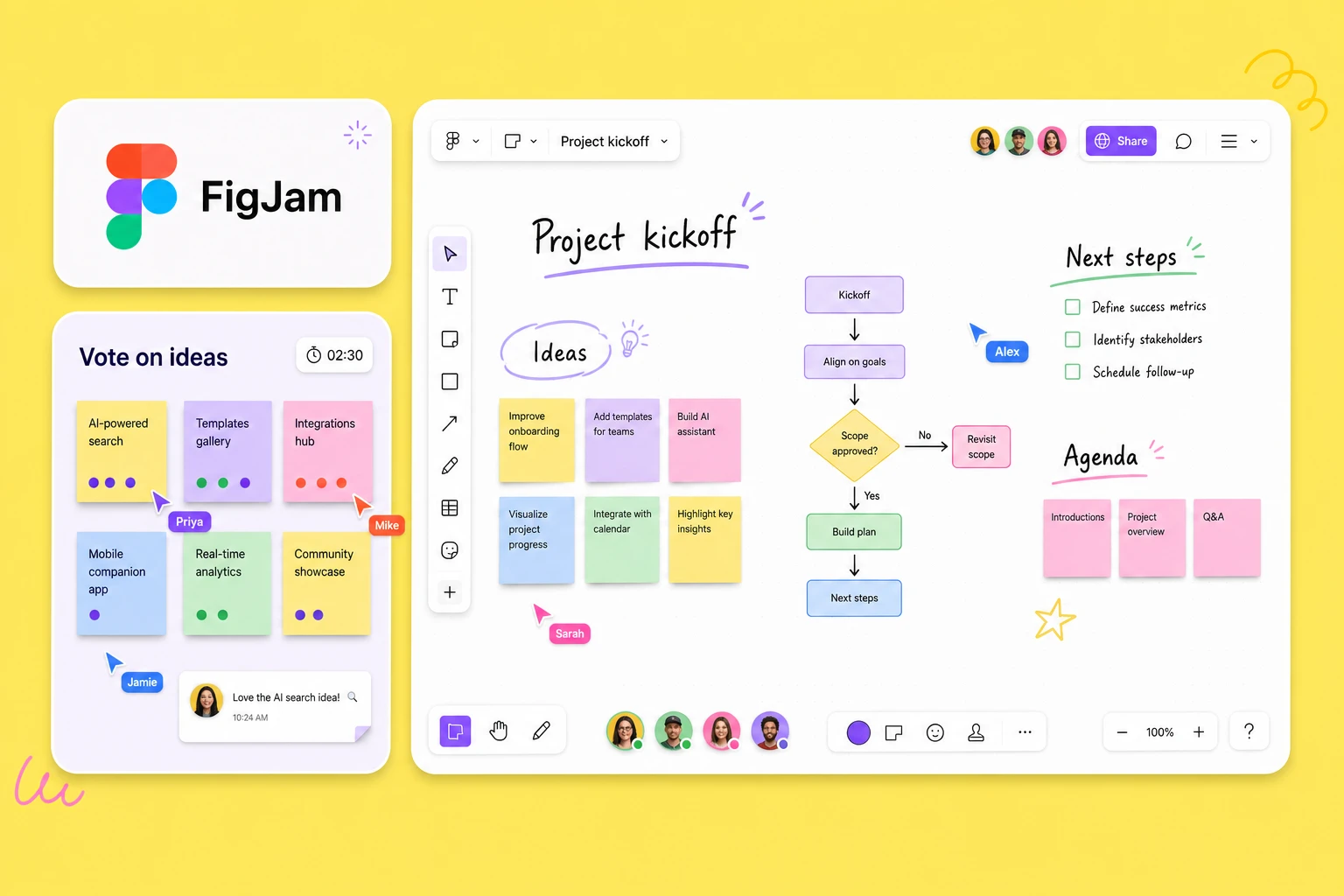
FigJam is useful for turning raw research notes into themes, affinity maps, journey maps, and collaborative findings. Figma offers a free Starter plan, which can be enough for small or temporary research projects.
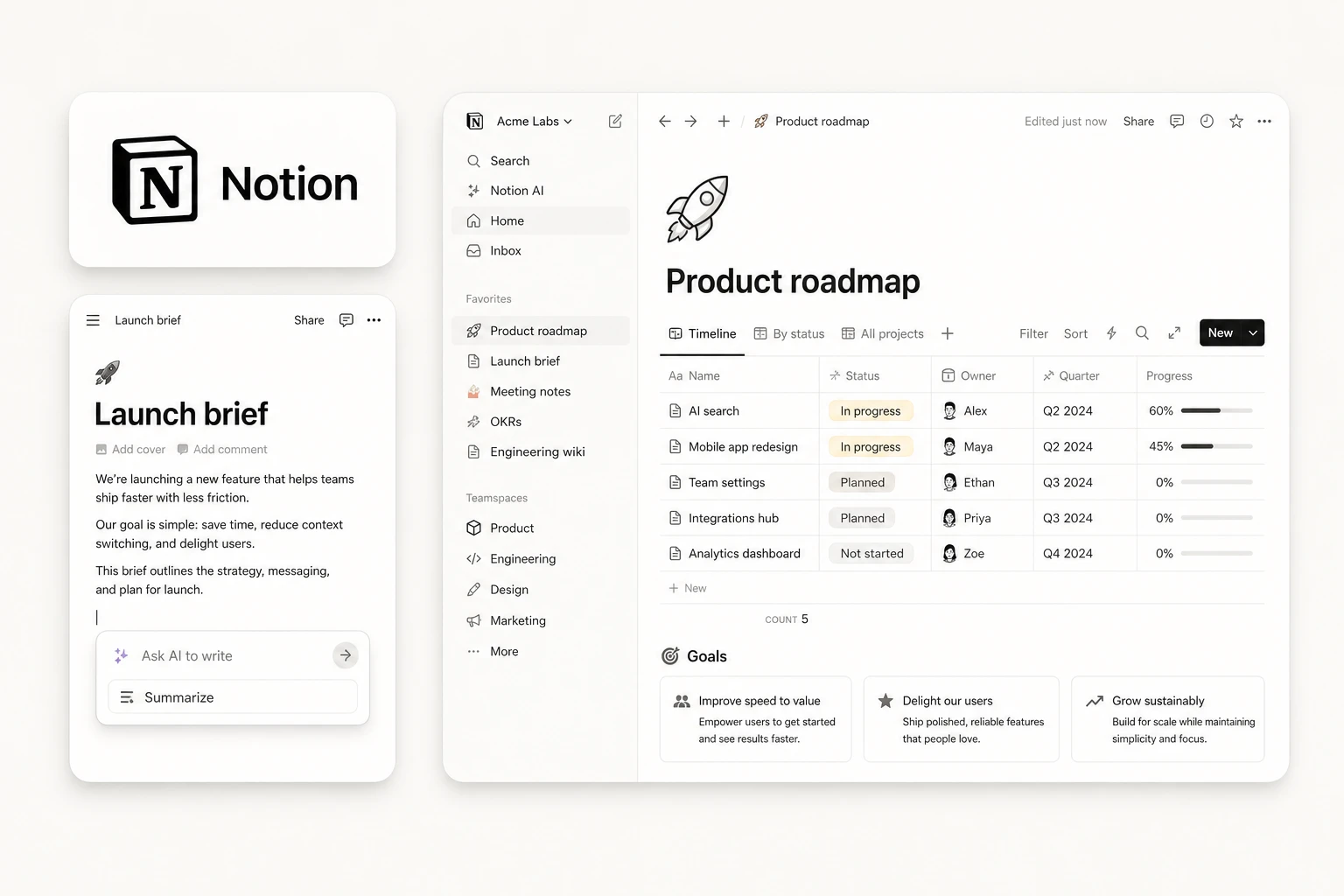
Notion can act as a lightweight research repository for storing interview notes, research plans, findings, and participant information in one place. Its Free plan is suitable when your research volume is still manageable manually.
Free tools work well when research is occasional. But once your team starts testing regularly, recruiting specific participants, or managing a growing volume of interviews and findings, paid UX research tools can save time and reduce manual work.
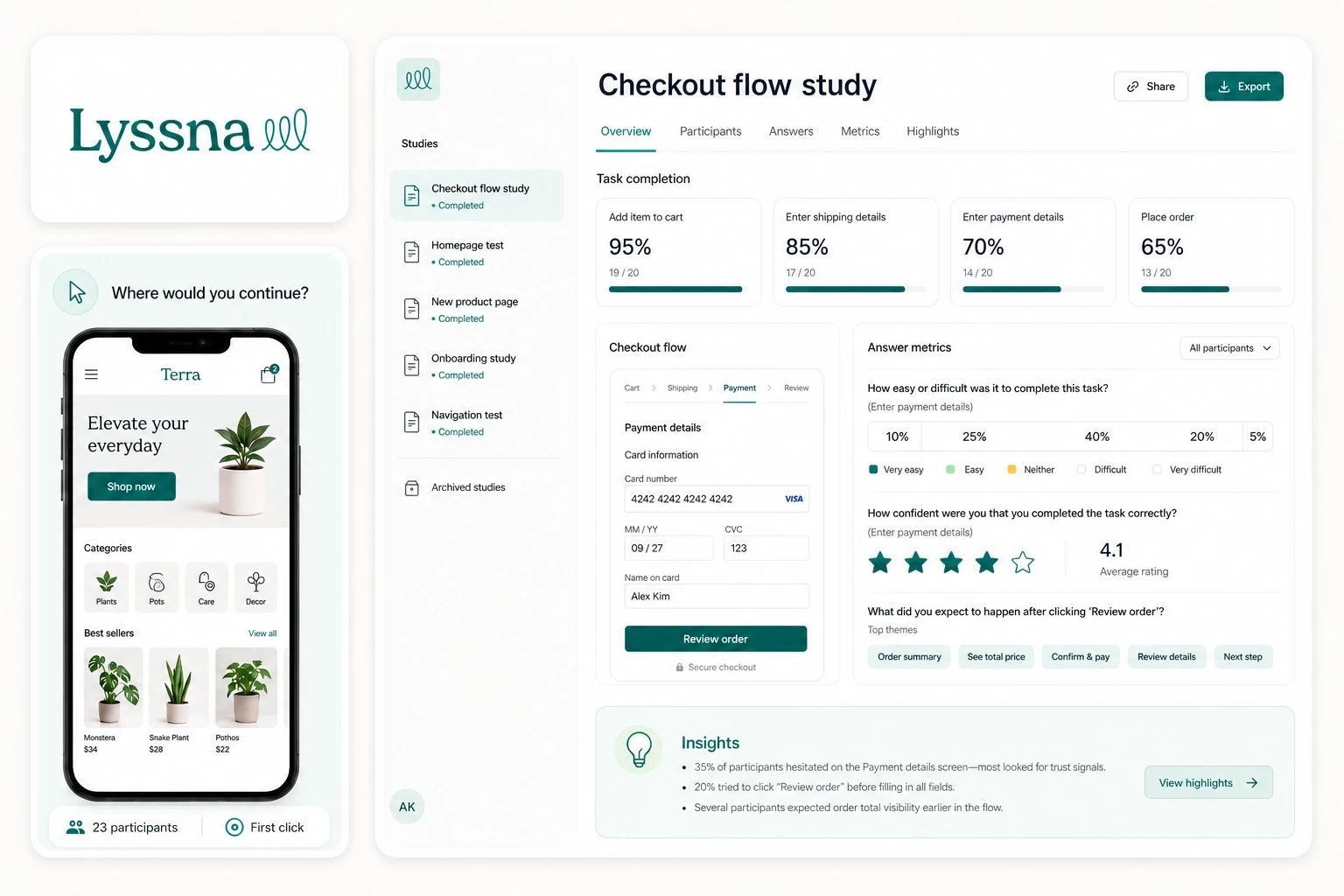
Lyssna's Growth plan includes unlimited quick studies, five in-depth studies per month, unlimited self-recruited responses, and five seats. It makes sense when free testing starts feeling restrictive, but you still want several research methods under one subscription.
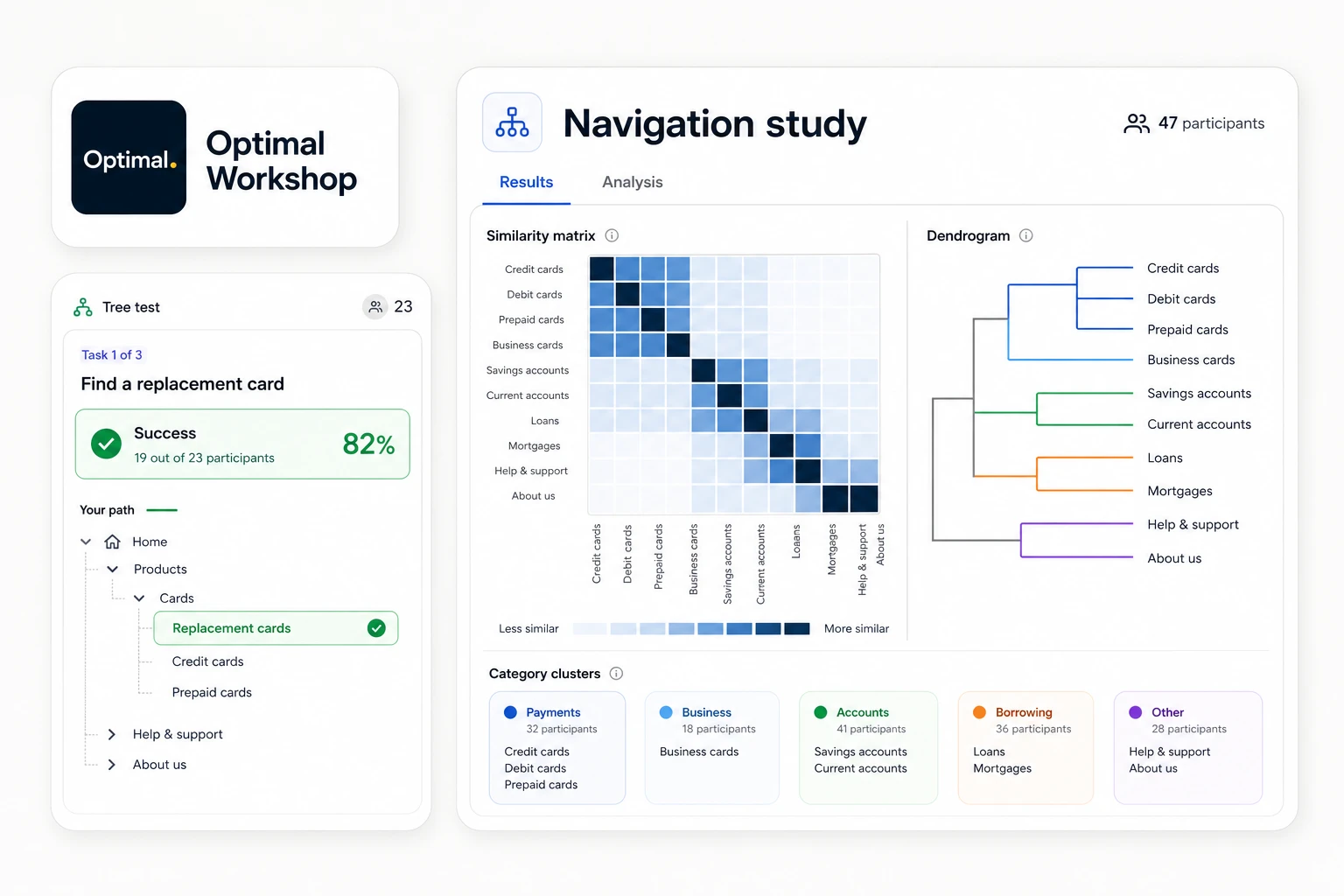
The Starter plan allows five studies per year with unlimited participant responses per study and gives teams access to all study types. Its strongest value is for teams that regularly run card sorting, tree testing, first-click testing, and other information architecture research.
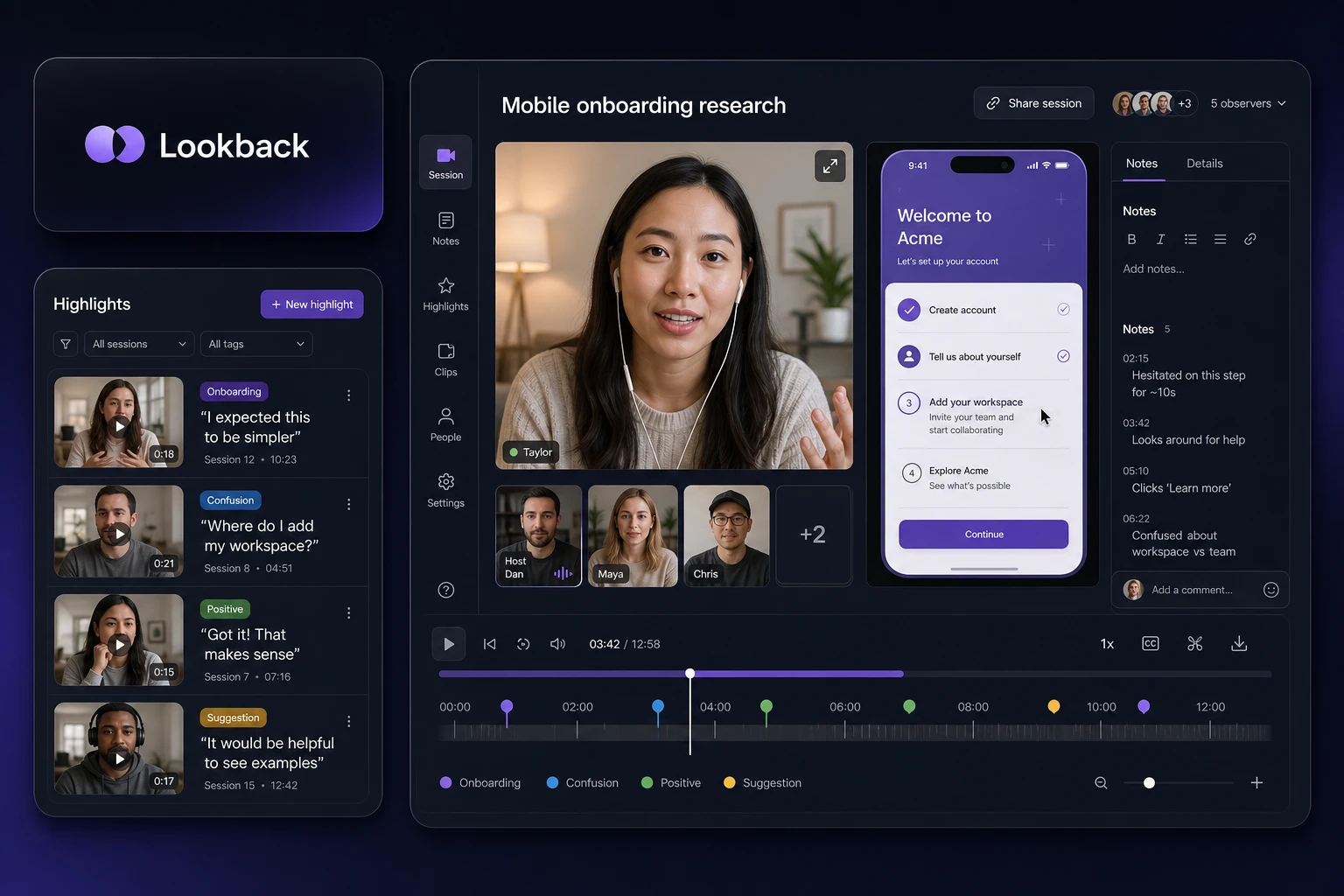
Lookback's Freelance plan includes 10 research sessions per year and lets you bring your own participants for free. The 60-day trial also gives you enough room to test moderated or unmoderated sessions before committing.
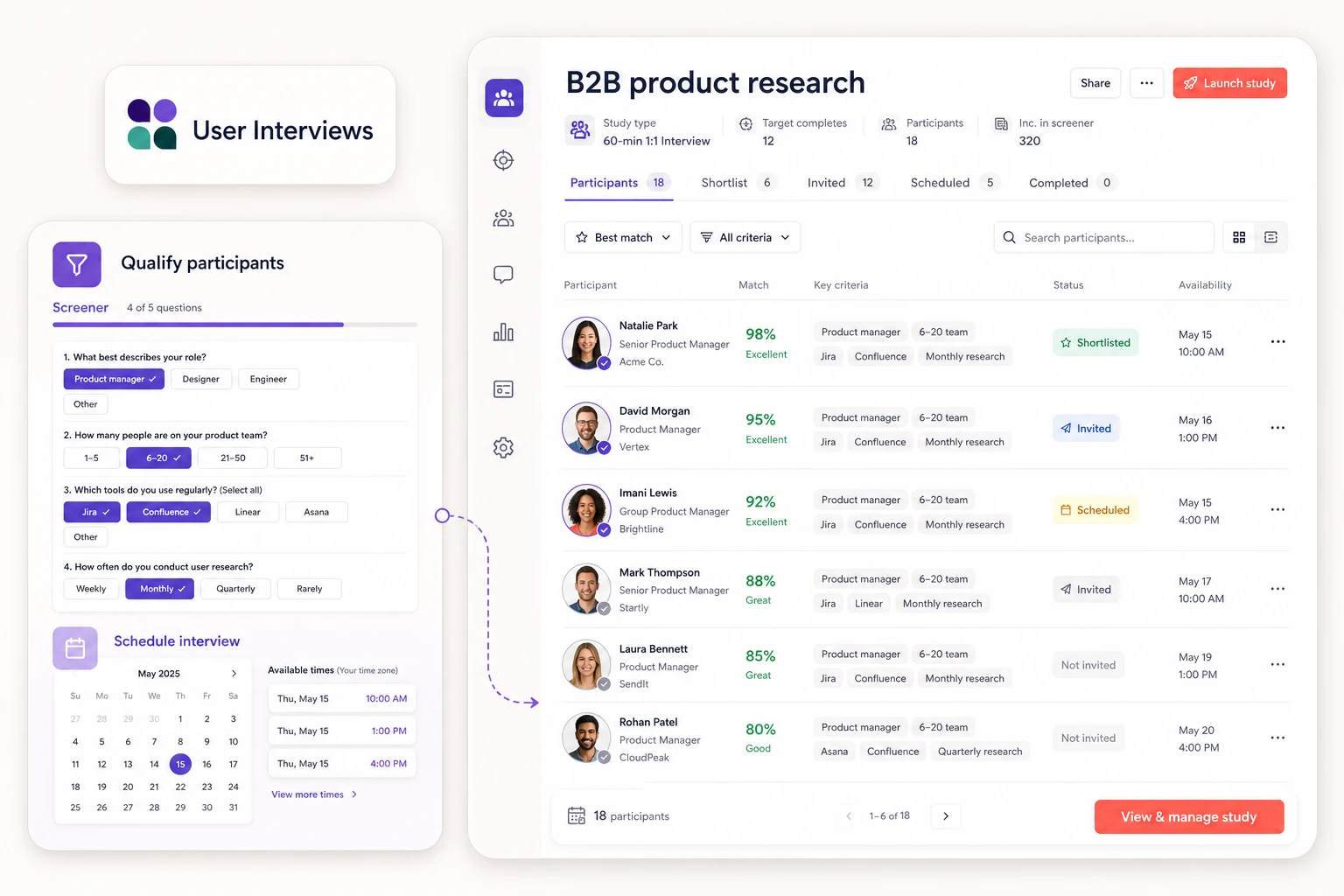
User Interviews works differently from subscription-heavy research tools because occasional researchers can pay per completed recruitment session. Its Pay As You Go option is useful when you need access to participants without committing to an annual plan.
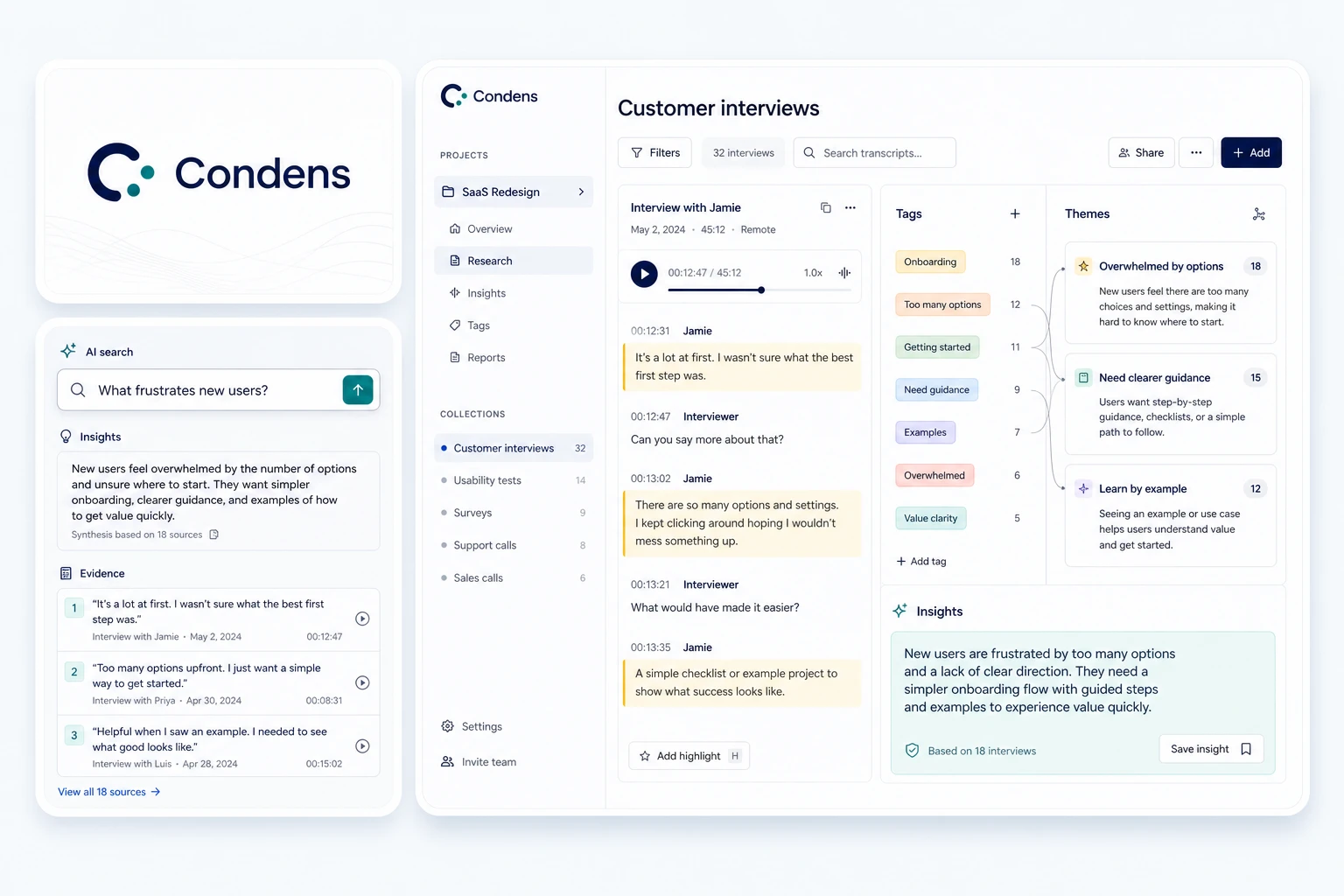
Condens focuses on what happens after the research. Its Lite plan provides a structured place for projects, transcripts, analysis, and evidence, making it useful when spreadsheets or Notion start becoming difficult to manage.
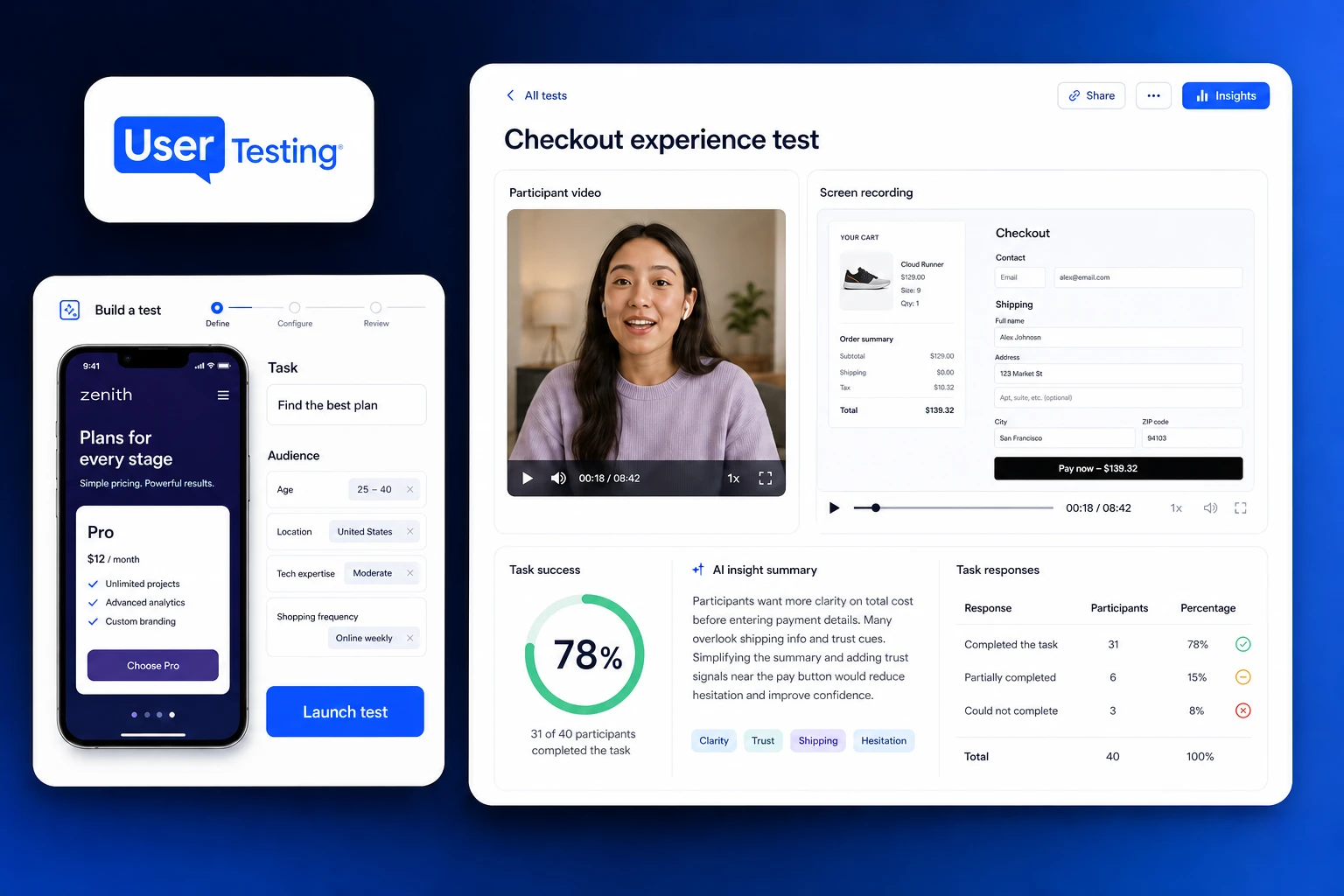
UserTesting does not publish a fixed monthly price, so estimating one would be misleading. Its paid plans are better suited to organizations that need frequent access to participant testing, moderated and unmoderated studies, transcripts, screeners, and analysis features.
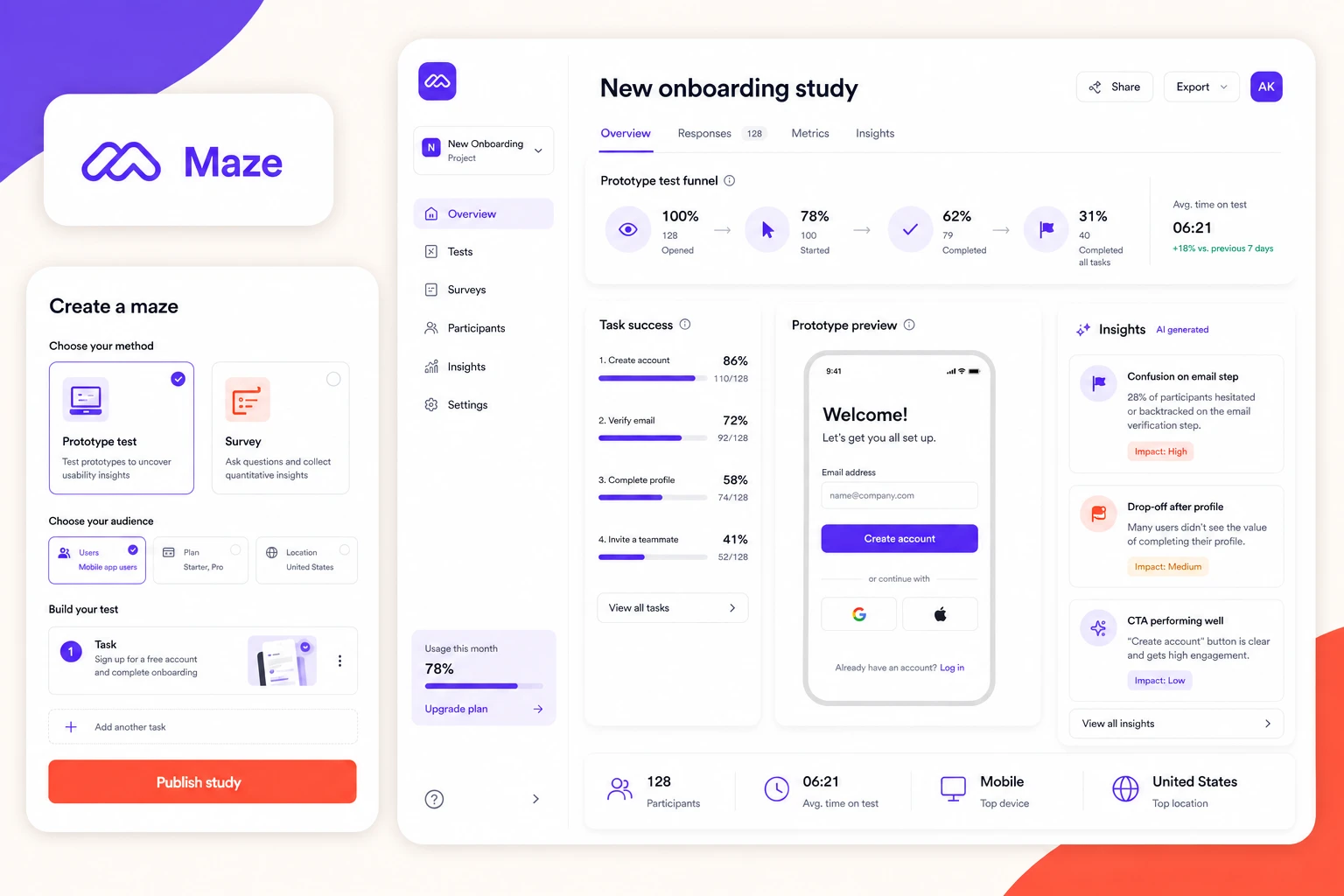
Maze combines prototype testing, surveys, moderated interviews, mobile and live-site testing, recruitment, and automated reporting in one platform. Its paid offering is more suitable for teams that want to make research a continuous part of product development rather than run occasional tests.
A free trial is most useful when you can run a real study instead of simply exploring the dashboard. The UX research tools below provide trial access that lets you test their workflow, research features, and limitations before committing to a paid plan.
Lookback gives you enough time to run a small real study, not just explore the interface. The five-session limit makes it suitable for testing the complete workflow before deciding whether dedicated session recording and research features are worth paying for.
Optimal Workshop's trial is shorter, so it is better to enter with a specific study already planned. You can also invite up to nine team members during the trial, making it useful for evaluating whether the platform fits a collaborative research workflow.
Condens provides 15 days to test all of its features with your team. Instead of running participant studies, use the trial with existing interview recordings or research data to see whether its transcription, analysis, and repository workflow saves enough time to justify moving away from general-purpose tools.
Unlike Lookback or Optimal Workshop, UserTesting does not advertise a fixed self-service trial length or session allowance. You need to request a trial, so it is better suited to teams already evaluating the platform seriously rather than someone looking for a quick self-service test.
A UX research tool is worth paying for only when it removes a real bottleneck. Skip it when it duplicates a tool you already have, solves a problem you rarely face, or costs more than the manual work it replaces.
Qualtrics can be excessive for a team collecting straightforward product feedback. If your survey does not require complex logic, advanced reporting, or enterprise-level research management, a simpler tool can cover the job without adding another expensive platform.
Condens is built specifically for qualitative analysis and research repositories, with features such as transcription, analysis, and centralized findings. But if your team only runs a few interviews each month, you may be paying for structure you do not yet need.
Maze supports prototype testing, surveys, and broader usability research, while Lyssna also covers usability testing, surveys, interviews, and recruitment. There is enough overlap that many teams will not benefit from maintaining both subscriptions unless they have a clear reason for doing so.
Dovetail already supports AI-assisted transcription and analysis of qualitative research. Adding another AI research platform solely for similar summarization features can increase cost without materially improving the research workflow.
User Interviews is valuable because it can recruit from its participant panel, but it also supports teams working with their own panel. If the exact users you need are already accessible to your team, paying an external service to find them again adds little value.
We never choose a UX tool based on assumptions without first understanding whether it is actually worth buying. Here is the process we follow, and you can use the same approach to find the right tool without wasting money on the wrong one.
Start by listing the features and buying information that matter to your team. Put your shortlisted tools in separate columns and mark what each one actually offers.
For example, if you are comparing Maze, Lyssna, and UserTesting, your checklist could look like this:
Maze currently offers one free study per month with five seats and pay-per-use panel credits, while new users receive a 30-day premium trial. Lyssna's Growth plan costs $199 month-to-month or $165 per month when billed annually, with five seats and unlimited quick studies. UserTesting uses test-based or team-based subscription models and does not publish a standard self-service price.
Your own table does not need every possible feature. Add only the requirements that could change your buying decision, then remove any tool that misses a must-have.
A tool that looks affordable per month can still be a waste if you only run two studies a year.
A simple rule is:
For example, Lyssna's Growth plan includes unlimited quick studies but limits in-depth studies to five per month. That matters much more than the feature count if your team runs frequent studies.
Do not pay for participant access automatically.
First ask:
If your own audience gives you the right participants, bring-your-own recruitment may be enough. Maze, for example, lets Enterprise customers bring their own participants and also provides access to its panel, while its Free plan uses pay-per-use panel credits.
Pay for recruitment when finding the right people is the bottleneck, not simply because the platform offers a panel.
The advertised monthly price is only one part of what a UX research tool can cost.
Calculate:
Plan cost + additional seats + participant recruitment + usage credits + required add-ons
Your comparison could look like this:
Let’s give you an example:
Lyssna Growth:
$165/month subscription
Then compare:
Tool A: $165 + $100 + $0 = $265/month
Tool B: $199 + $0 + $50 = $249/month
Before buying another platform, check what your current stack already does.
You may already have tools for:
If your current UX research tool already handles surveys, prototype testing, and participant recruitment, buying three separate platforms for those same tasks may add more complexity than value.
The question should be:
What can this new tool do that our existing stack cannot?
If there is no clear answer, you probably do not need it yet.
Do not spend a trial clicking through menus. Run a small version of the research you actually plan to conduct.
Test the complete workflow:
Then score your finalists:
After comparing features, cost, participants, and trial performance, come back to the problem you were trying to solve.
Do not choose a tool because it has the most checkmarks. Choose the smallest option that covers your must-haves and removes a problem that is genuinely slowing your research down.
Yes. Small teams can run interviews, surveys, usability sessions, and research synthesis using free tools. Paid platforms become more useful when research volume, collaboration, participant sourcing, or analysis becomes difficult to manage manually.
Probably not immediately. If Google Meet, Figma, Forms, and a simple documentation setup still handle the work, stay with them. Pay when scheduling, analysis, recruitment, or repeated manual setup starts slowing you down.
There is no single best tool for every team. Maze and Lyssna are strong for product testing; Optimal Workshop for information architecture; User Interviews for recruitment; Condens for research analysis; and UserTesting for larger research programs.
UX researchers typically use different tools for different stages of research rather than relying on one platform. Maze and Lyssna are useful for usability and prototype testing, Optimal Workshop for card sorting and tree testing, Lookback for moderated interviews, User Interviews for participant recruitment, and Dovetail or Condens for analyzing and organizing research findings.
Usually fewer than you think. Start with the smallest stack that covers your main research methods, and avoid buying multiple tools that solve the same problem.
They can be when transcription, tagging, synthesis, or large volumes of qualitative data are slowing down your team. But if your existing research platform already handles those tasks, another AI subscription may just duplicate what you already have.
The best UX research tool is not the one with the most features. It is the one that solves a real problem in your research process without adding unnecessary cost or overlap.
For a short-term project, free tools may be enough. If research becomes frequent, recruitment gets harder, or findings become difficult to manage, a paid platform starts making more sense. And before subscribing, use a trial or free plan to test the tool with a real study.
The goal is simple: pay for the problems worth solving, keep free tools where they still work, and skip anything your current stack already covers.




A digital transformation agency bringing strategy, design, and development together to build useful digital products for ambitious businesses.